
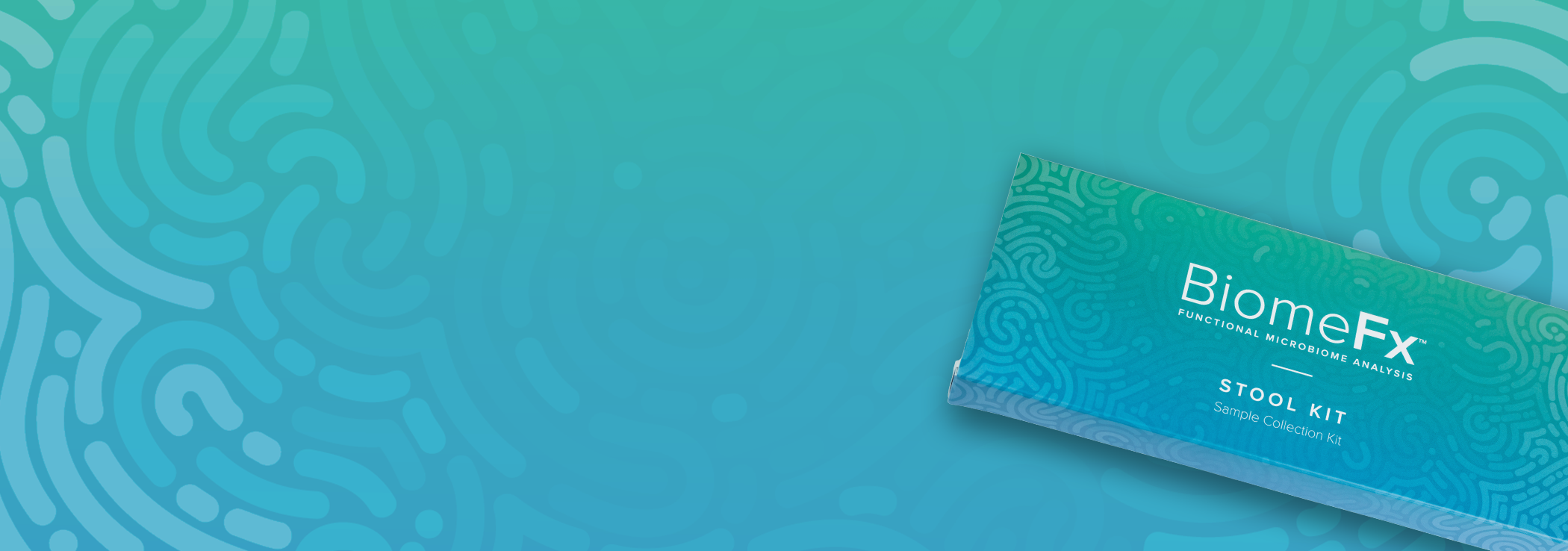
Stool Kit: Practitioner
How to Activate a Kit:
Login to your account and select Start an Order
Input client information and proceed to Checkout
Once checkout is completed, you will receive an email invitation from BiomeFx info@biomefx.microbiomelabs.com with instructions
Important: BiomeFx kits must be activated and purchased online before they are sent home with patients.
Please remind patients that they will receive an email from BiomeFx info@biomefx.microbiomelabs.com with instructions to set up th eir account. To access their personalized results, they must accept Consent and complete the Intake Questionnaire.
If a patient does not receive the invitation email, please contact info@microbiomelabs.com for assistance.
Lab Status
To check the status of your patient’s BiomeFx stool kit, please login and view status updates under the Clients tab.
Frequently Asked Questions
-
Use the spatula provided to collect feces from the diaper. We suggest collecting fecal samples from diapers as soon as possible once the bowel movement has occurred. We suggest this being no longer than 30 minutes from the sample delivery into the diaper to transfer to the tube. If possible, we suggest collecting the fecal sample as far from the urine deposit as possible. If the fecal sample is a type 6 or 7 on the Bristol Stool Chart and there is a lot of urine mixed in, we would recommend trying to collect at a different time.
-
If it's short-term use, it is recommended to wait 7-10 days after stopping before collecting sample. If it's long-term use, go ahead and collect.
-
No, the only contraindication for collecting a sample is during antibiotic use. We recommend waiting 1-2 weeks post antibiotic use before collecting.
-
We recommend waiting 2-4 weeks post colonoscopy before sample collection.
-
No, the sample does not need to be refrigerated.
-
Yes, urine can affect the sample. We recommend donors empty their bladder before beginning the collection.
-
Yes, the included spoon or pipette can be used to collect the liquid sample.
-
Samples may be delayed for a number of reasons but often times, the sample is delayed due to needing to be resequenced. If a sample does not produce the amount of required reads after sequencing, the lab will re-prep and re-sequence the sample to try and produce the read depths required.
Have Questions? Need Support?
Reach out to your BiomeFx representative! If you aren’t sure who your representative is, email info@microbiomelabs.com to inquire so our customer service team can get you connected!